
Fast, Secure & High-Performance

Trusted by Global Users

AweSun Remote Desktop enables secure access and seamless connections across Windows, macOS, Android, and iOS devices with enterprise-grade encryption.
All Your Remote Access Needs, Powered by AweSun

Remote Work

Remote Support

Remote Gaming

Design and Creative Work

Mobile Access

File Transfer
Secure Access to Your Office PC Anytime, Anywhere
Access apps, files, and desktop with a local-like experience. Work seamlessly across home, office, and remote locations.
- Unattended access to office computers
- Wake-on-LAN remote power-on
- Cross-device session continuity
- Multi-mode control experience
- Auto-session lock for security


How to Use AweSun Remote Desktop Software?
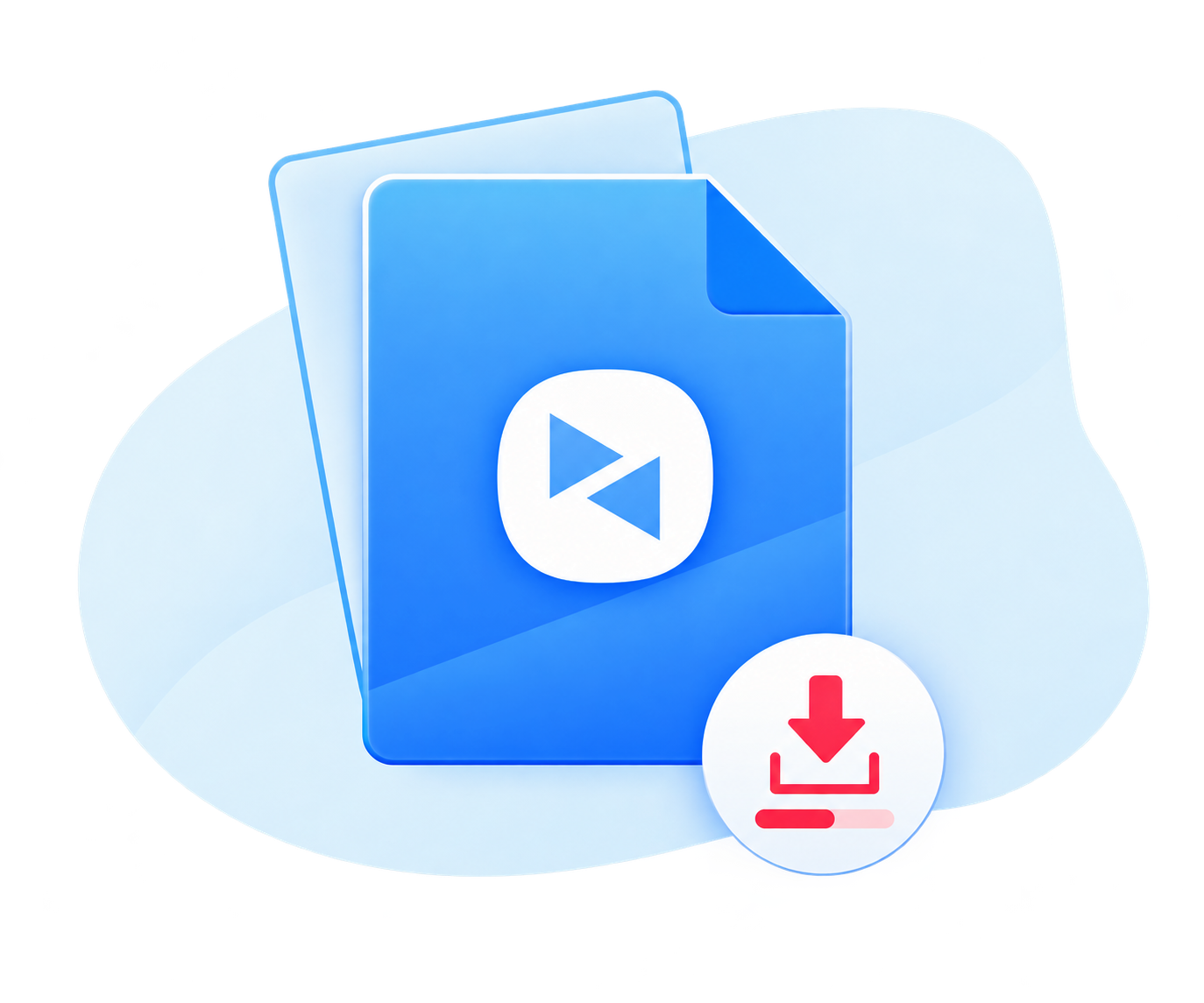
Download & Install
Download and install AweSun on the computer you want to access remotely and on the device you will use to connect.
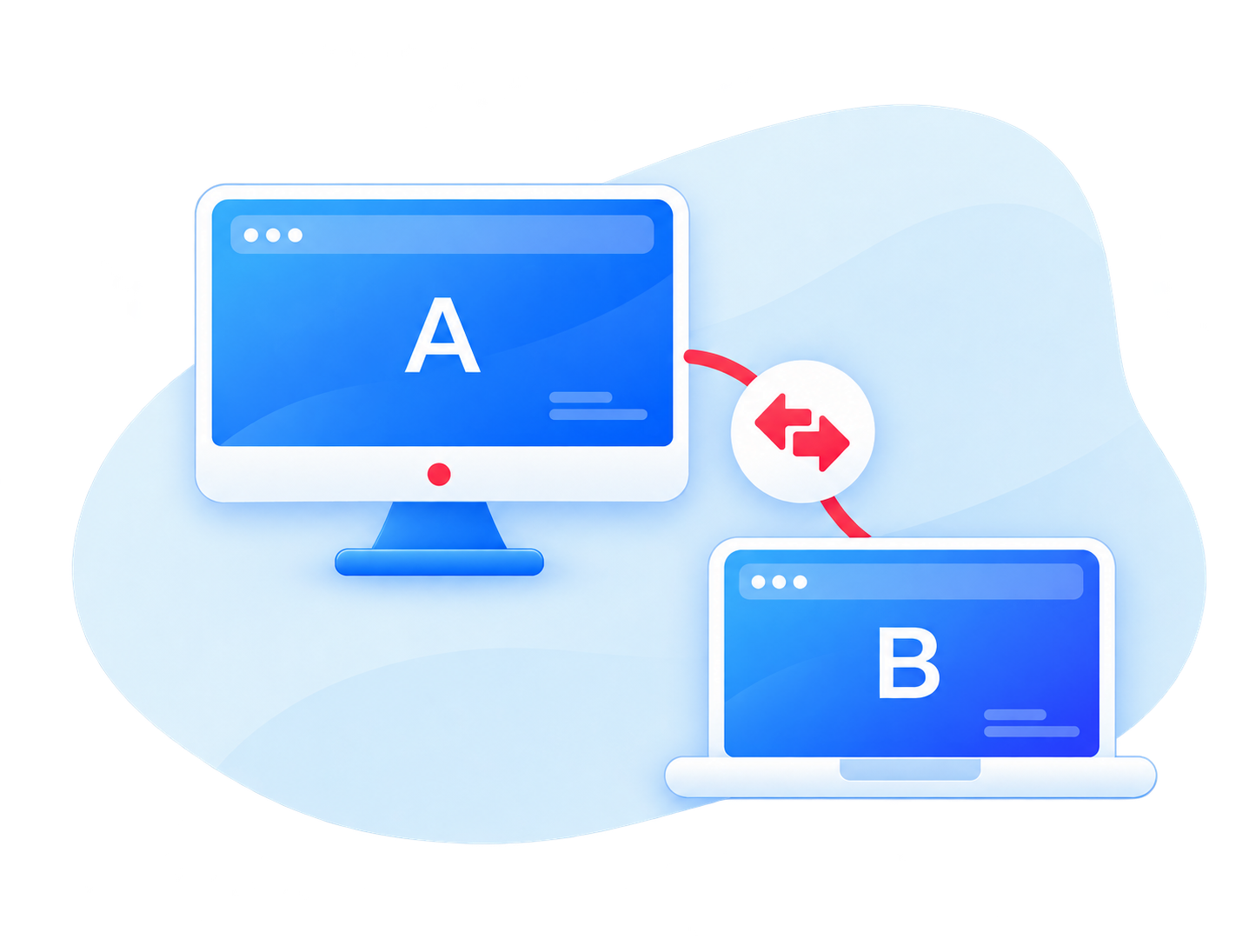
Connect with Device
Launch the program and enter the required device ID to establish a remote desktop connection.
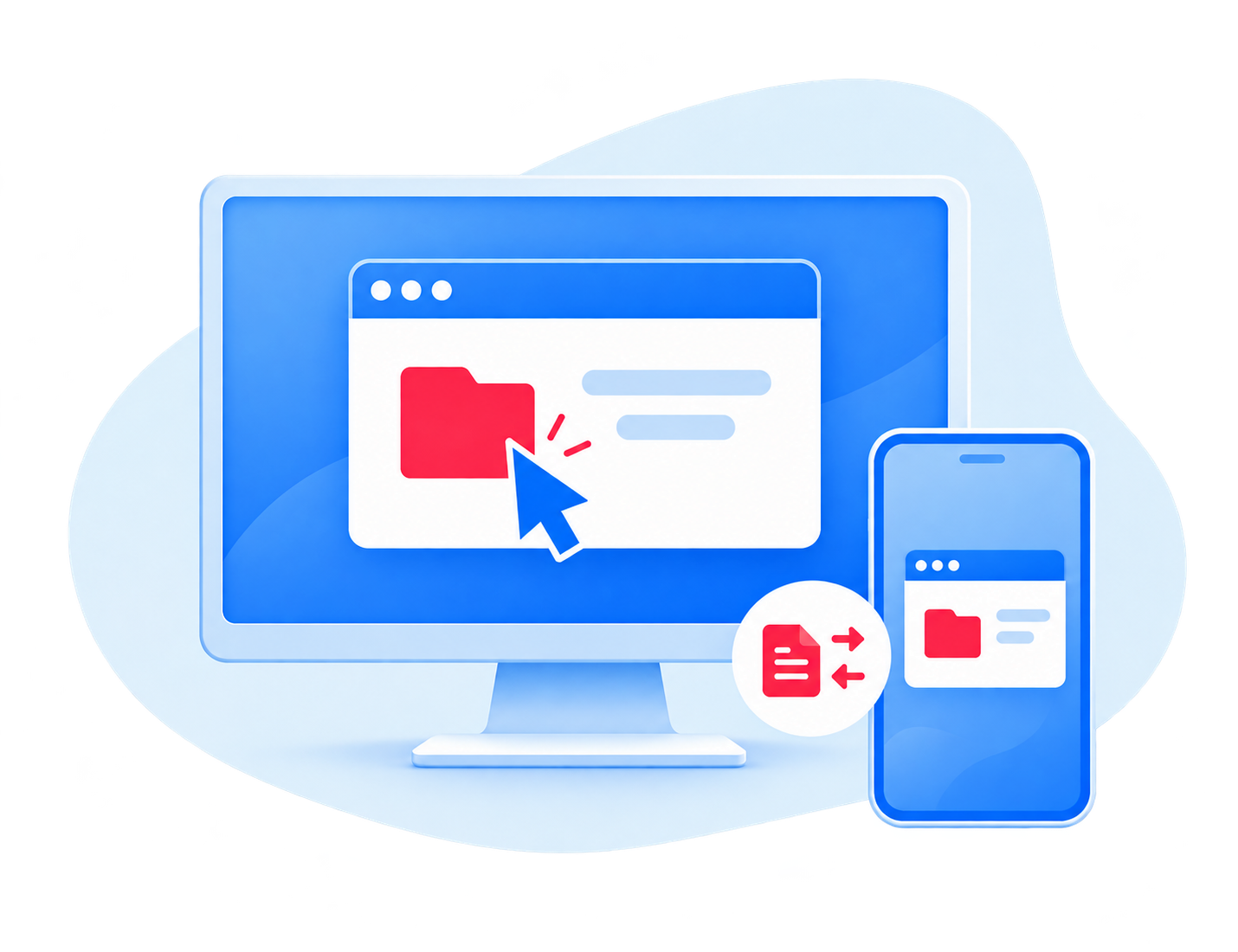
Access & Control
Once connected, you can share screen, transfer files and complete tasks from anywhere.
Why Choose Our Fast Remote Desktop Connection?
| Feature | AweSun | Other Remote Desktop Software |
|---|---|---|
| Setup | Easy setup | May require technical configuration |
| Cross-platform Support | Windows, macOS, Android, iOS | Varies by vendor |
| Connection Speed | 3-second connection, low-latency streaming | Depends on server routing |
| Security | 2048-bit RSA + AES encryption | Depends on configuration |
| Unattended Access | Yes | Varies by plan |
| Best for | Individuals, IT, gamer, creative professionals needing | General remote access use case |
Choose the Perfect Plan for You


AweSun Personal Edition is a high-performance remote desktop software solution for individuals, designed for seamless remote work, creative design, gaming, and cross-device access anytime, anywhere.


Secure, scalable remote work and centralized device management for enterprise workflows, offering granular access control, asset management, and top-tier security audits.


AweSun On-Premises Deployment provides self-hosted remote access for organizations requiring strict compliance, supporting private servers, private clouds, intranets, and isolated networks for complete data control.


Remote collaboration and lightweight IT support for commercial users and small teams, enabling multi-user access, remote assistance, and efficient daily operations.

Authoritative Certifications

Robust Information System Security Protection

ISO 27001 Information Security Management System Certification

ISO 9001 Quality Management System Certification
Comprehensive Security and Control for Remote Access
AweSun security is built into every connection, ensuring secure, stable, and reliable remote access for both personal and enterprise users.

Secure Remote Architecture
Built with a secure-by-design remote connection framework that ensures encrypted and stable communication between devices.

Data Protection and Compliance
Fully compliant with the Multi-Level Protection Scheme (MLPS) and international security regulations for secure data processing and information storage.

Encryption and Access Control
Powered by 2048-bit RSA asymmetric key exchange and AES-based encryption, with full support for SM2, SM3, and SM4 cryptographic standards.
FAQ
Q1: How to remote into a Mac from PC?
To remote control a Mac from a Windows PC, install a cross-platform remote desktop tool such as AweSun on both devices, use a device ID to connect and initiate the session from the PC. AweSun supports Windows-to-Mac and Mac-to-Windows connections natively, so no additional configuration or third-party software is required. This works the same way in reverse for connecting to a PC from a Mac.
Q2: Can I transfer files with remote desktop?
Yes. AweSun supports remote file transfer, allowing you to move files between your local device and a remotely accessed computer. It can be useful for sharing documents, retrieving files from another computer, or transferring work files while working remotely. File transfer availability and limits may depend on your AweSun plan and connection setup.
Q3: Can I control computer remotely from phone?
Yes. With AweSun's mobile apps for iOS and Android, you can remotely access and control a Windows PC or Mac directly from your phone. This is useful when you need to access a home or work computer while you're away from it.
Q4: Is AweSun free software to remote access?
Yes, it offers free tier that supports remote file transfer, while some advanced features and usage requirements may depend on the plan you choose. Paid plans unlock additional capacity — such as remote mobile devices, faster file transfer, and multi-screen control.
Q5: Can I connect to multiple remote computers at the same time?
Yes, AweSun allows you to control multiple remote desktop sessions simultaneously from a single computer - each remote device appears in its own window or tab, so you can switch between or view several remote desktops side by side. This is especially useful for IT support technicians managing multiple client machines, or anyone who needs to monitor or work across more than one remote computer during the same session.
Q6: Is AweSun safe to use?
Yes, AweSun is a secure remote desktop solution that uses 256-bit AES and 2048-bit RSA encryption to protect data during remote sessions. Dual authentication, access control, and real-time alerts help prevent unauthorized access, while remote access records give you greater control and visibility over remote connections.

